Product guide · Updated September 28, 2026
CutoverCheck
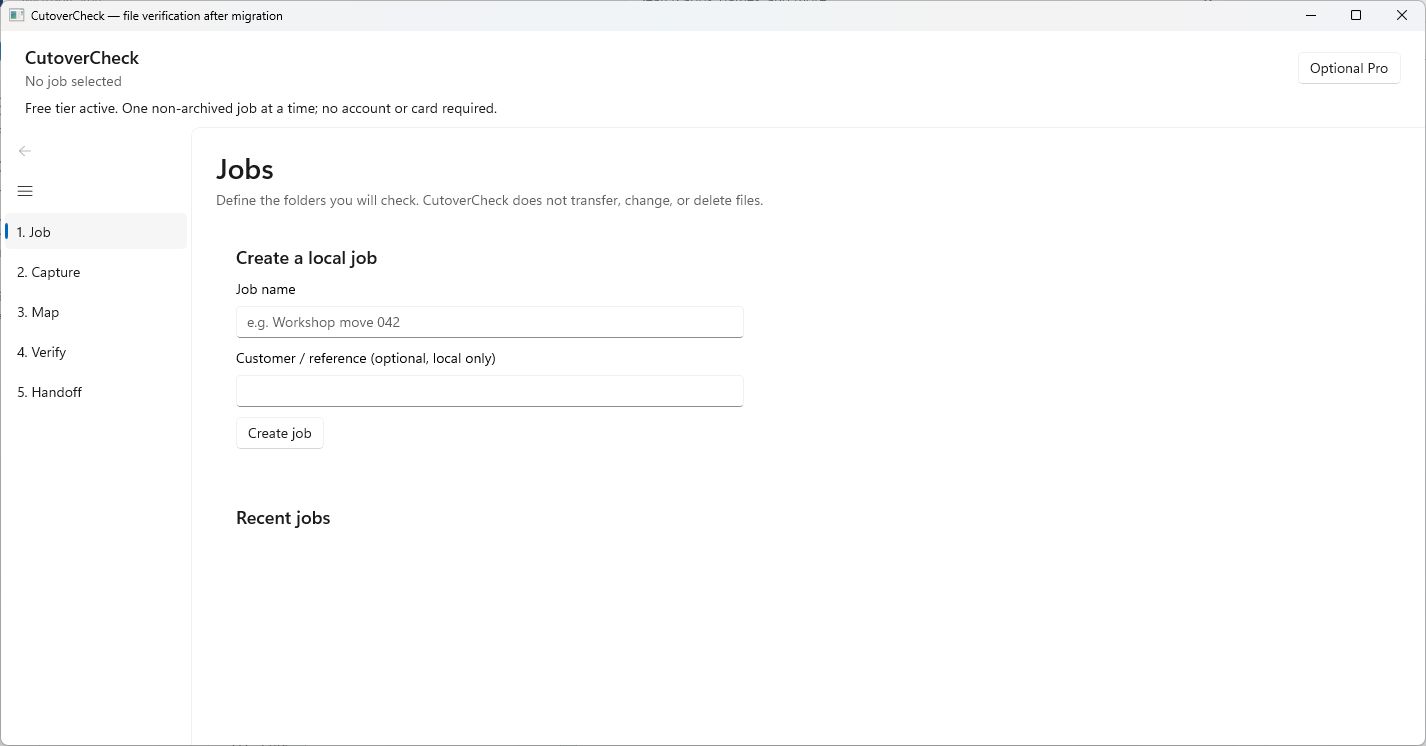 START HERE · COMPLETE WALKTHROUGHHow to use CutoverCheckFollow the full step-by-step guide with lettered screenshots.Open the illustrated guide →
A read-only verification workflow for a PC move: capture a source baseline, map destinations, compare, and hand over evidence.
Product details · Microsoft Store listing
What you can do
- Capture a read-only file baseline from selected source folders and exclusions.
- Map source folders to destination folders and compare file hashes after a move.
- Keep manual application-test attestations separate from measured file results.
- Export a local HTML handoff report with full-detail or summary-only privacy choices.
More step-by-step help
Limits and review points
- CutoverCheck verifies; it does not copy, move, delete, repair, launch, or test applications.
- A file hash match does not prove that an application works or that omitted folders were checked.
Troubleshooting
A destination file is missing or different
- Check the source-to-destination root mapping and exclusions.
- Inspect the report's result and rerun verification after correcting the move with your own tools.
The report is still a draft or incomplete
- Inspect pending, unreadable, changed-during-scan, and not-checked results.
- Complete or document the remaining checks before treating the report as a finished handoff.
Need a person?
Visit Support. Include the product and exact error; remove private details from screenshots. Never send passwords, sign-in codes, full card numbers, or license secrets.