Help center · Updated September 28, 2026
How to use your app
Choose your product. Each full guide has step-by-step instructions and screenshots with red lettered callouts.
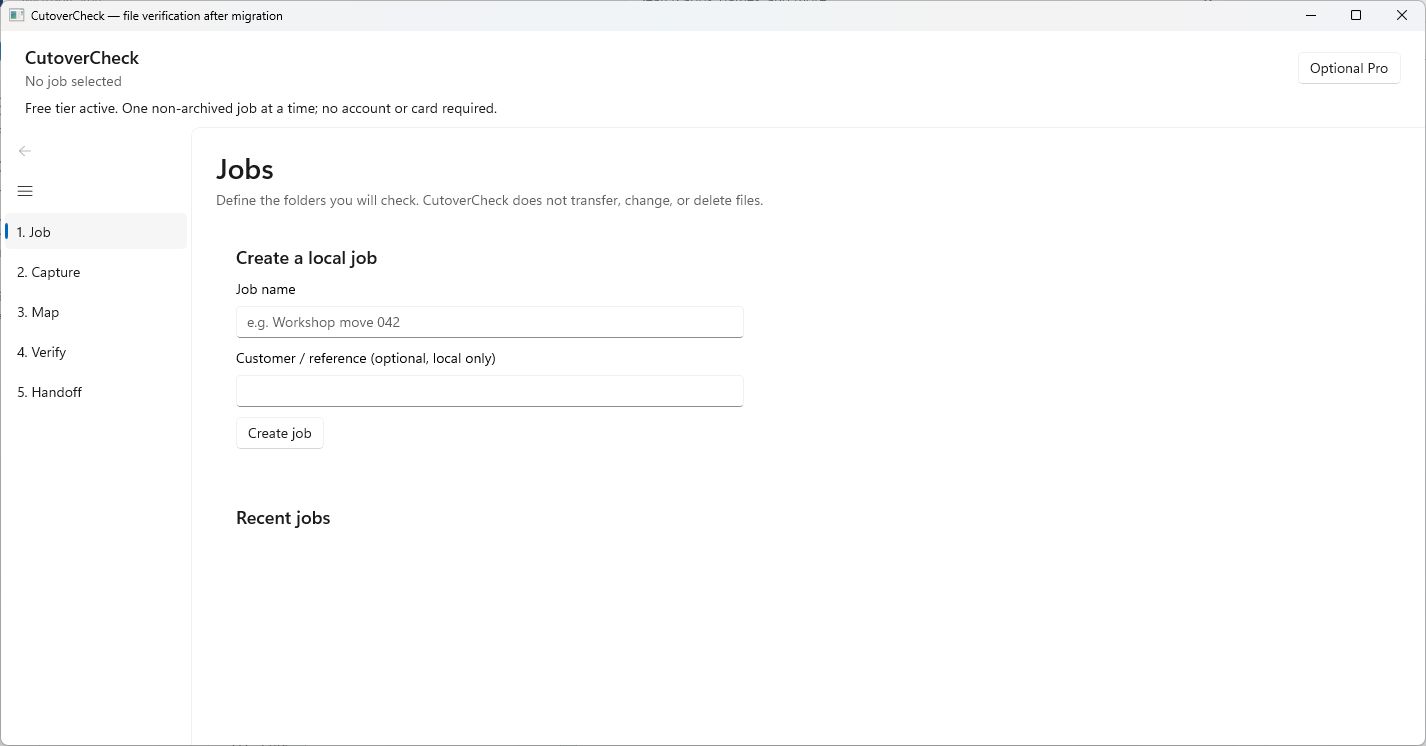 CutoverCheckFull illustrated how-to →
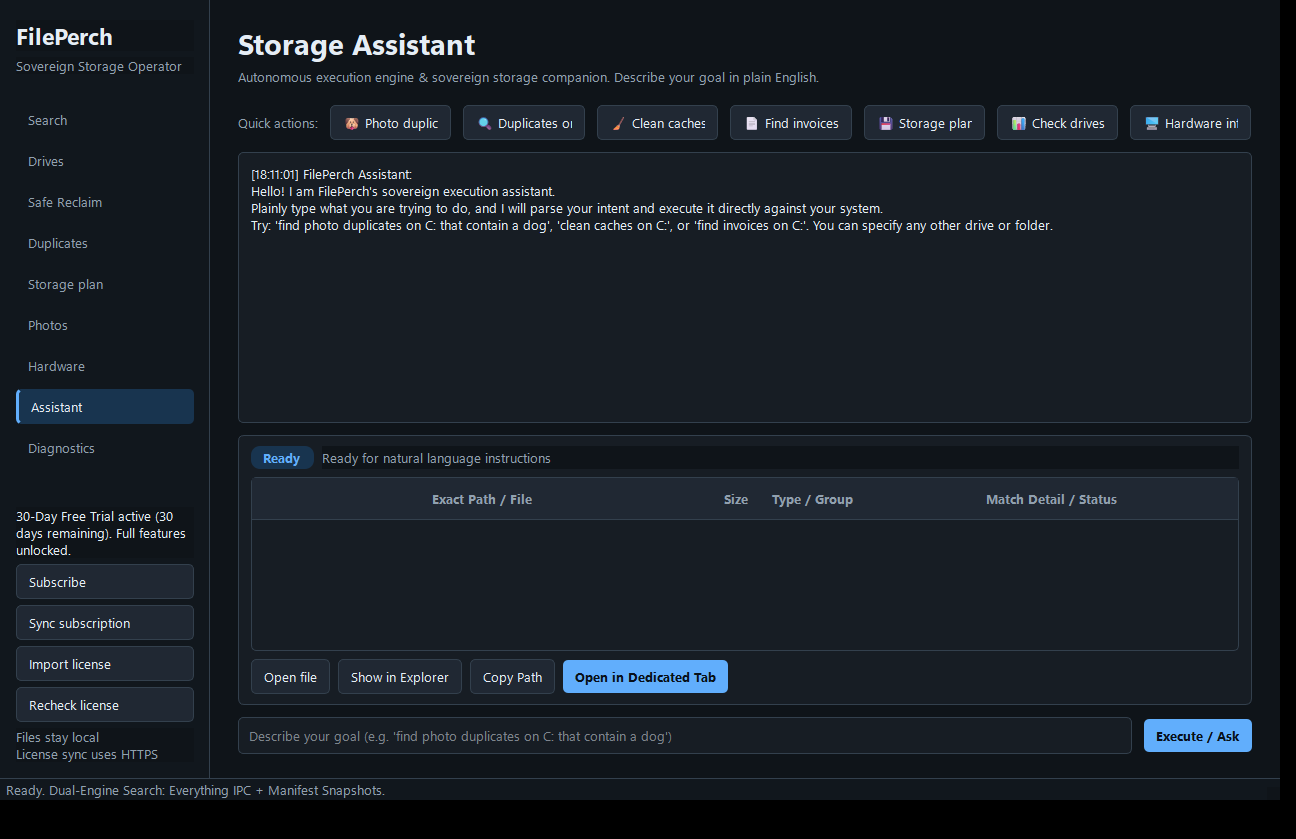 FilePerchFull illustrated how-to →
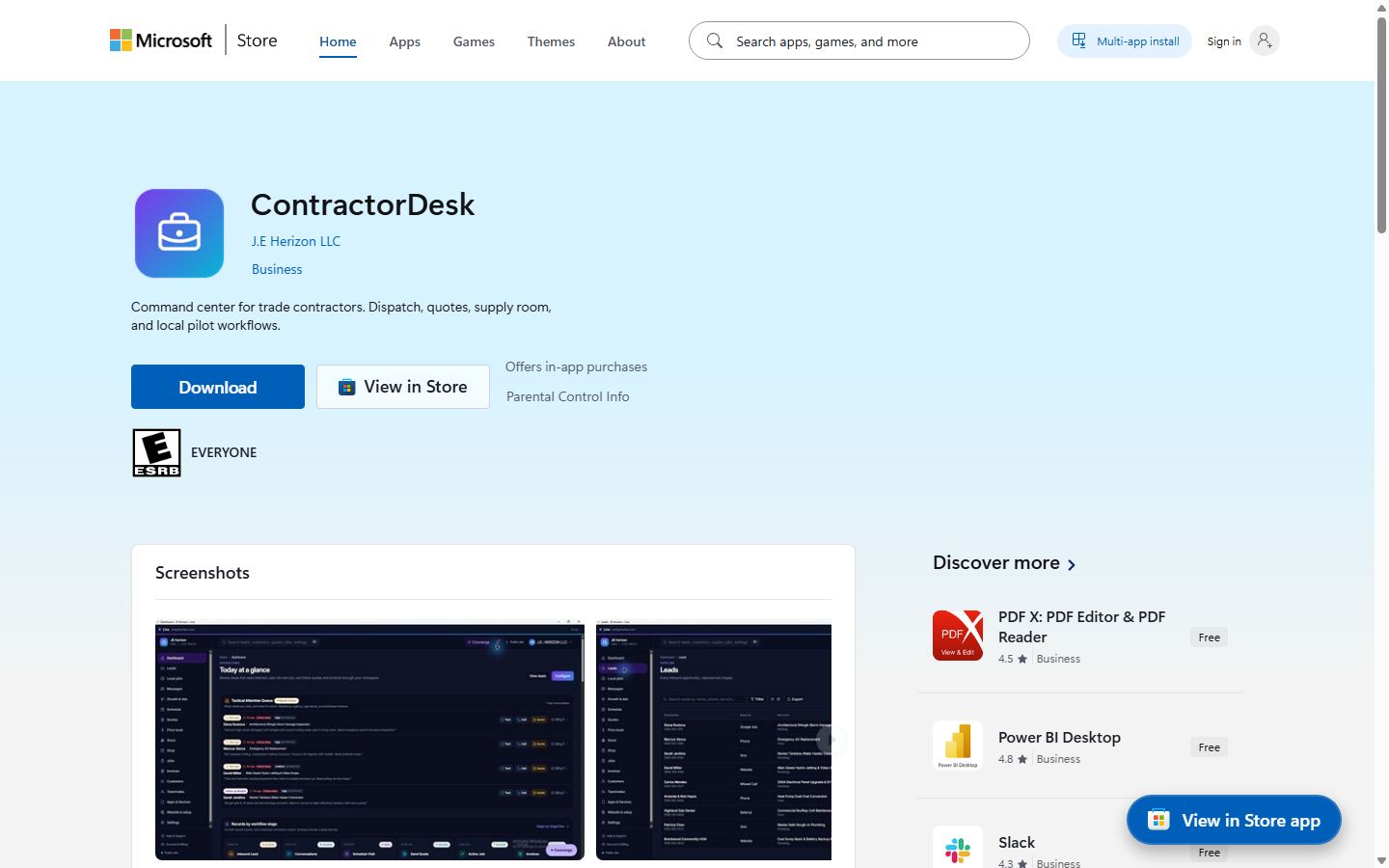 Line (ContractorDesk)Full illustrated how-to →
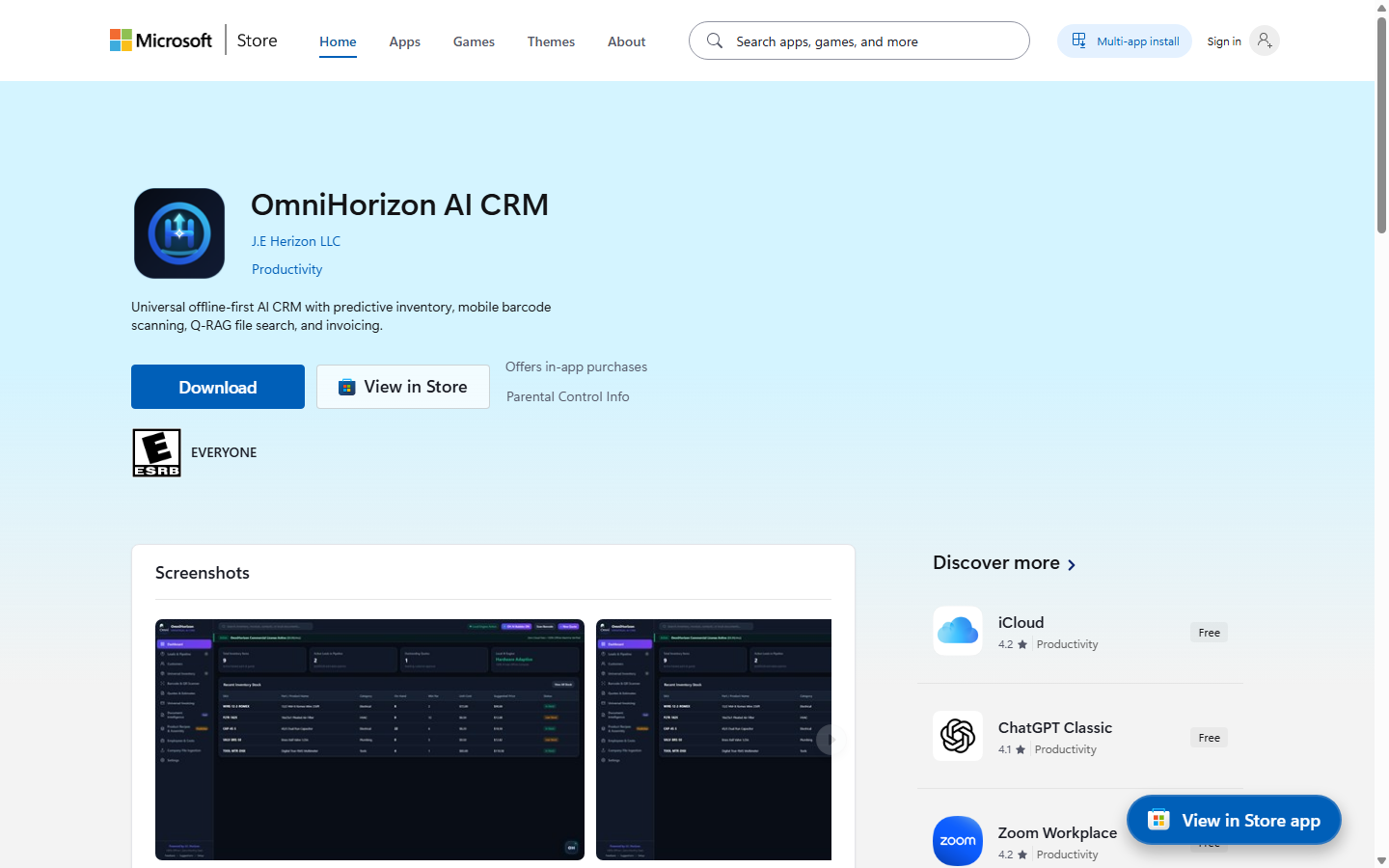 OmniHorizon AI CRMFull illustrated how-to →
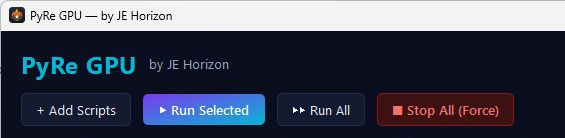 PyRe GPUFull illustrated how-to →
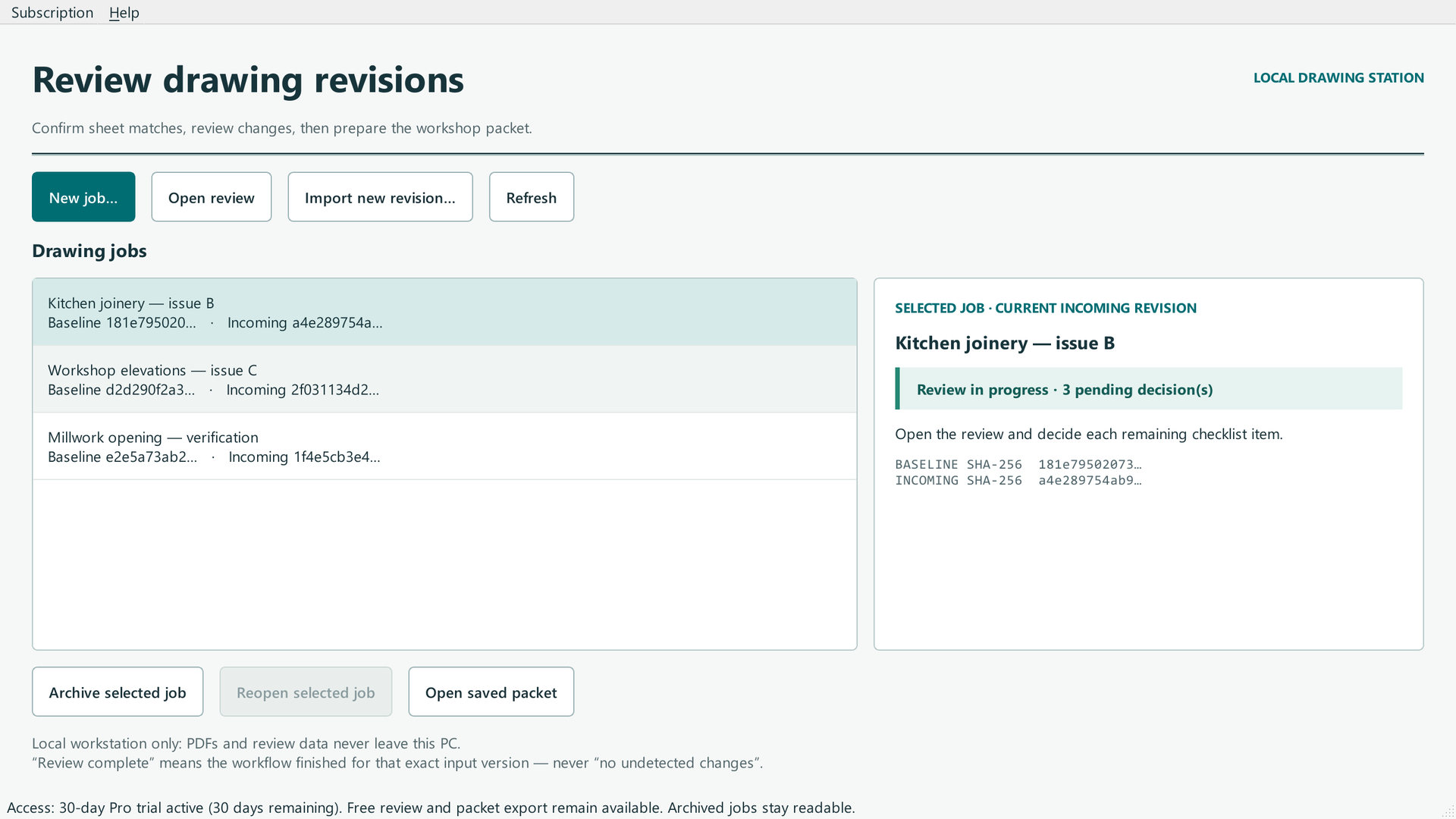 RevLatchFull illustrated how-to →
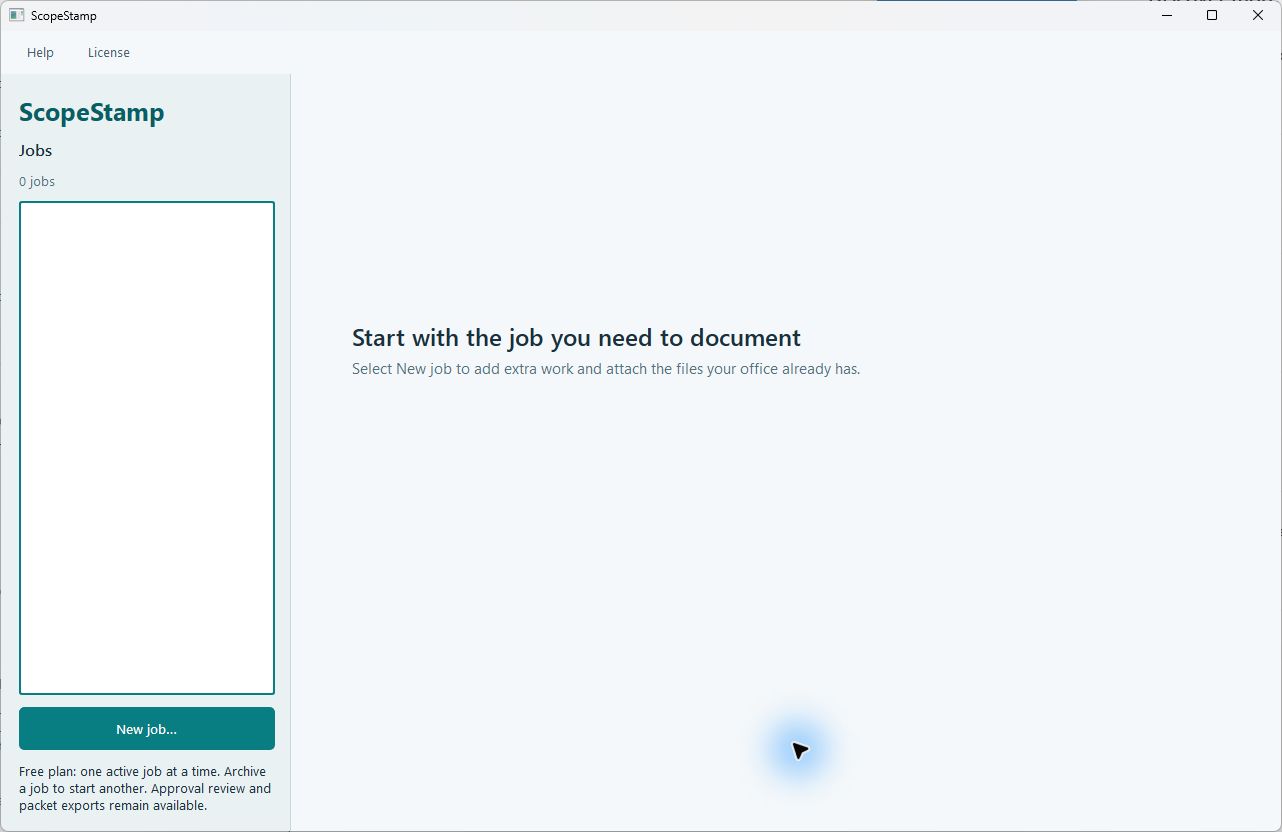 ScopeStampFull illustrated how-to →
 WittletFull illustrated how-to →
Need a person?
For account, purchase, or product help, visit Support. Include the product name, what you were doing, and the exact error. Remove private customer details from screenshots. Never send passwords, sign-in codes, full card numbers, or license secrets.