Product guide · Updated September 28, 2026
FilePerch
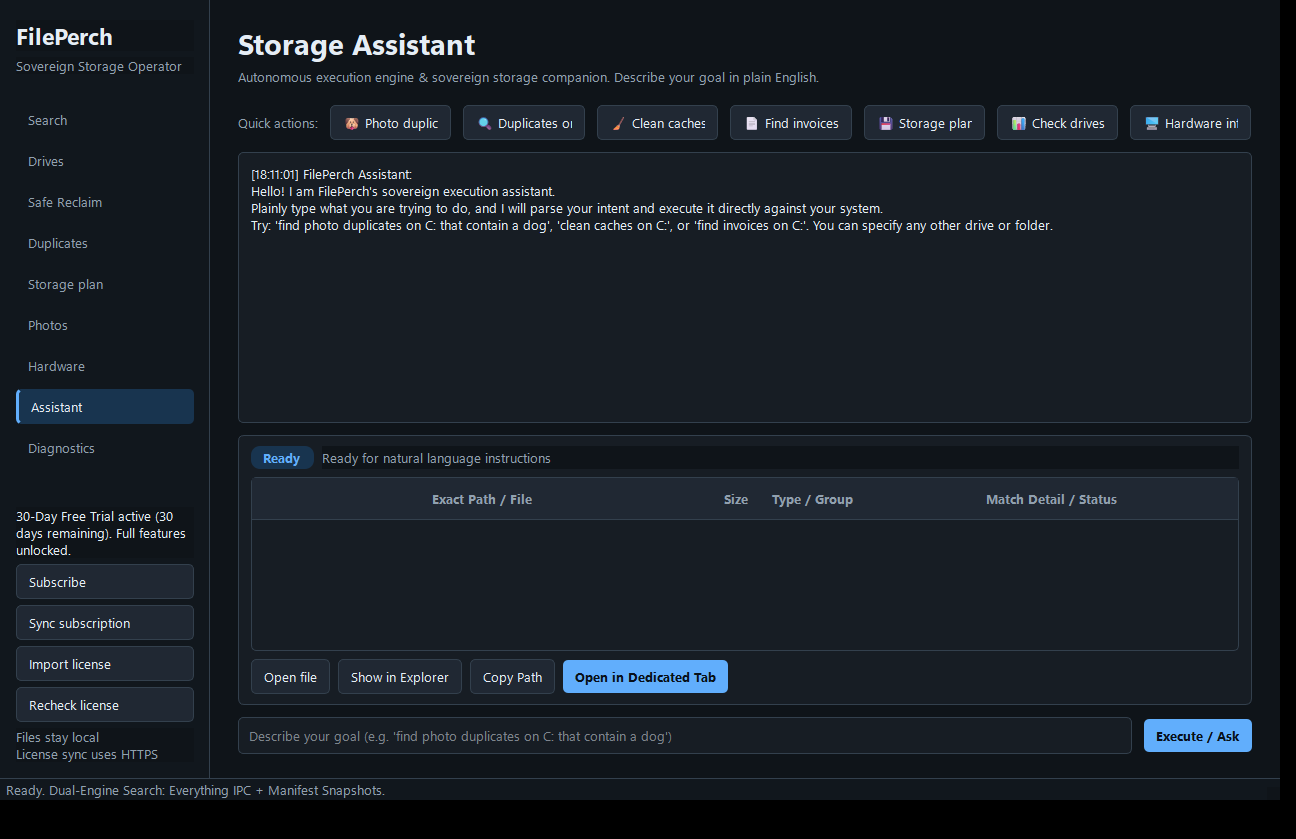 START HERE · COMPLETE WALKTHROUGHHow to use FilePerchFollow the full step-by-step guide with lettered screenshots.Open the illustrated guide →
A local Windows file finder and storage review workbench that helps you locate files, inspect space use, and choose actions deliberately.
Product details · Microsoft Store listing
What you can do
- Search filenames and keywords, then inspect matching paths.
- Review storage usage and cleanup candidates before choosing an action.
- File indexing and search operate on the Windows device.
More step-by-step help
Limits and review points
- Search results and cleanup suggestions require review; FilePerch does not delete files merely because they appear as candidates.
Troubleshooting
A file is not in search results
- Check the search term and the expected drive or path.
- Check the indexing or manifest status and confirm the drive is connected.
Need a person?
Visit Support. Include the product and exact error; remove private details from screenshots. Never send passwords, sign-in codes, full card numbers, or license secrets.