Product guide · Updated September 28, 2026
Line (ContractorDesk)
 START HERE · COMPLETE WALKTHROUGHHow to use Line (ContractorDesk)Follow the full step-by-step guide with lettered screenshots.Open the illustrated guide →
The available Free Core Desk keeps a contractor's customer, job, estimate, invoice, and price-book work together.
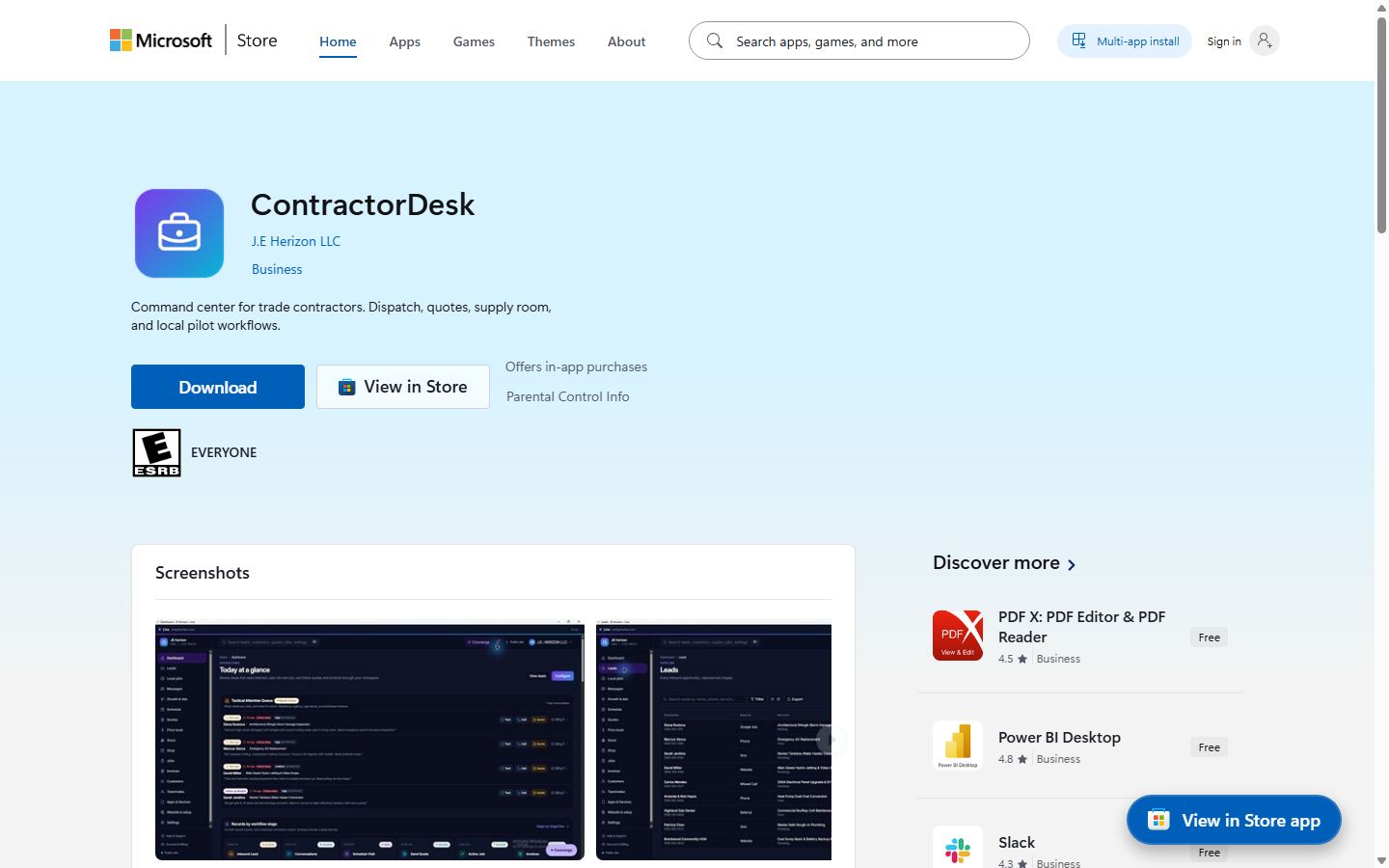
Product details · Microsoft Store listing
What you can do
- Free Core Desk supports customers, jobs, estimates, invoices, and a price book.
- The web desk uses a separate Line sign-in at cmd.jehorizon.com.
More step-by-step help
Limits and review points
- Text-Back, missed-call SMS automation, and carrier 10DLC/TCR activation are in progress; do not assume they are live.
Troubleshooting
Expected a missed-call text
- Do not rely on Text-Back during the pending rollout.
- Use the Line desk for the available customer and job workflow, or contact support for status.
A paid messaging or receptionist control is missing
- Do not assume Text-Back or voice activation is available during the carrier rollout.
- Use the Core Desk features and contact support for current activation status.
Need a person?
Visit Support. Include the product and exact error; remove private details from screenshots. Never send passwords, sign-in codes, full card numbers, or license secrets.