Product guide · Updated September 28, 2026
OmniHorizon AI CRM
 START HERE · COMPLETE WALKTHROUGHHow to use OmniHorizon AI CRMFollow the full step-by-step guide with lettered screenshots.Open the illustrated guide →
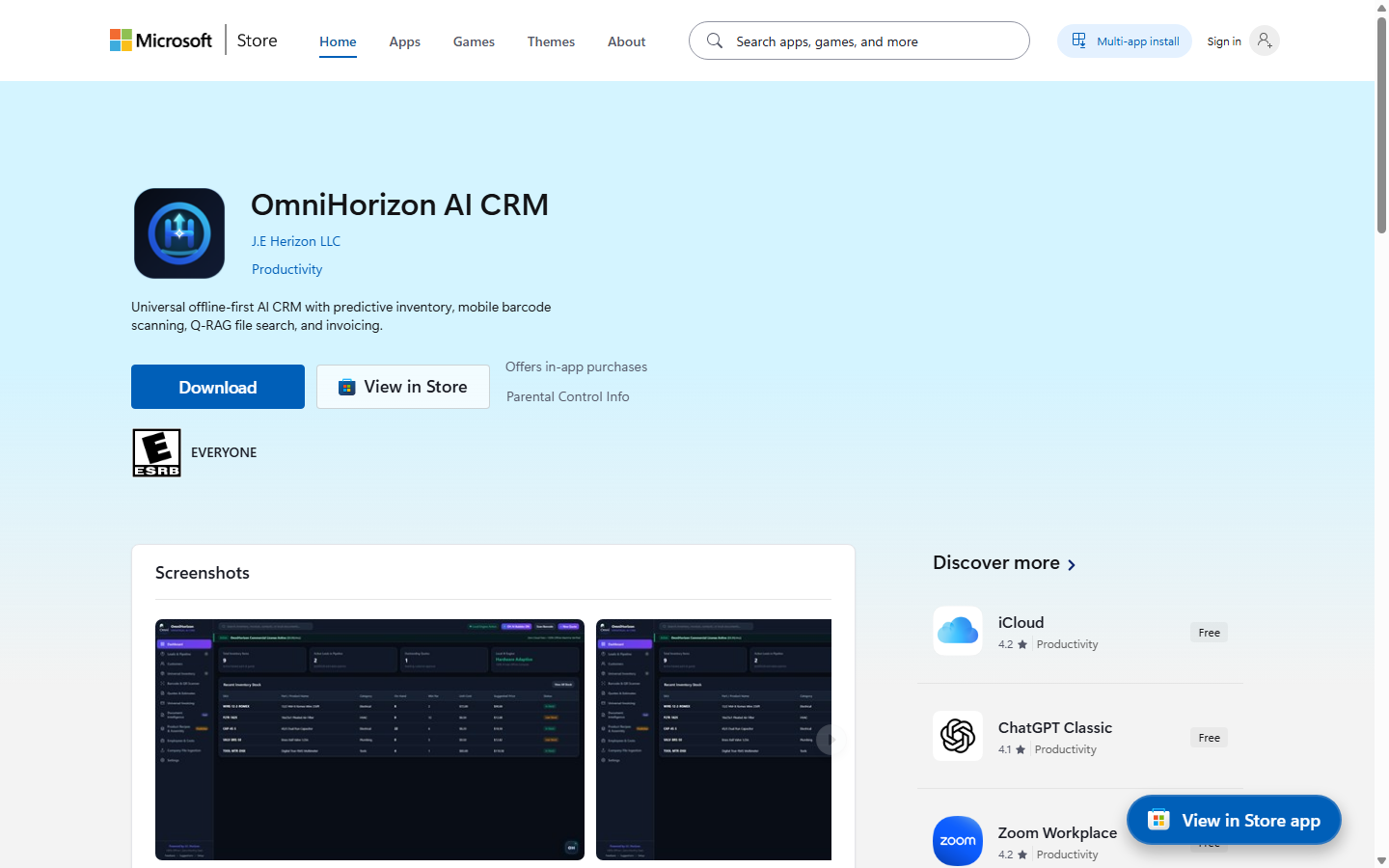
A Windows business workspace for customer records, stock, quotes, and invoices, with a local data model.
Product details · Microsoft Store listing
What you can do
- Keep customer records, stock, quotes, and invoices in one Windows workspace.
- Carry quote details into an invoice instead of re-entering them.
- Review business activity from the dashboard.
More step-by-step help
Limits and review points
- This guide does not establish a backup, payment, tax, or invoice-delivery integration; confirm those steps in your own workflow.
Troubleshooting
A quote or invoice has an unexpected item
- Review the customer, stock item, quantity, and amount in the source record.
- Correct and review the document before sharing it.
A quote and invoice differ
- Compare the original quote line items, quantities, taxes, and terms with the invoice.
- Correct the source or invoice before exporting or sharing it.
Need a person?
Visit Support. Include the product and exact error; remove private details from screenshots. Never send passwords, sign-in codes, full card numbers, or license secrets.