Product guide · Updated September 28, 2026
RevLatch
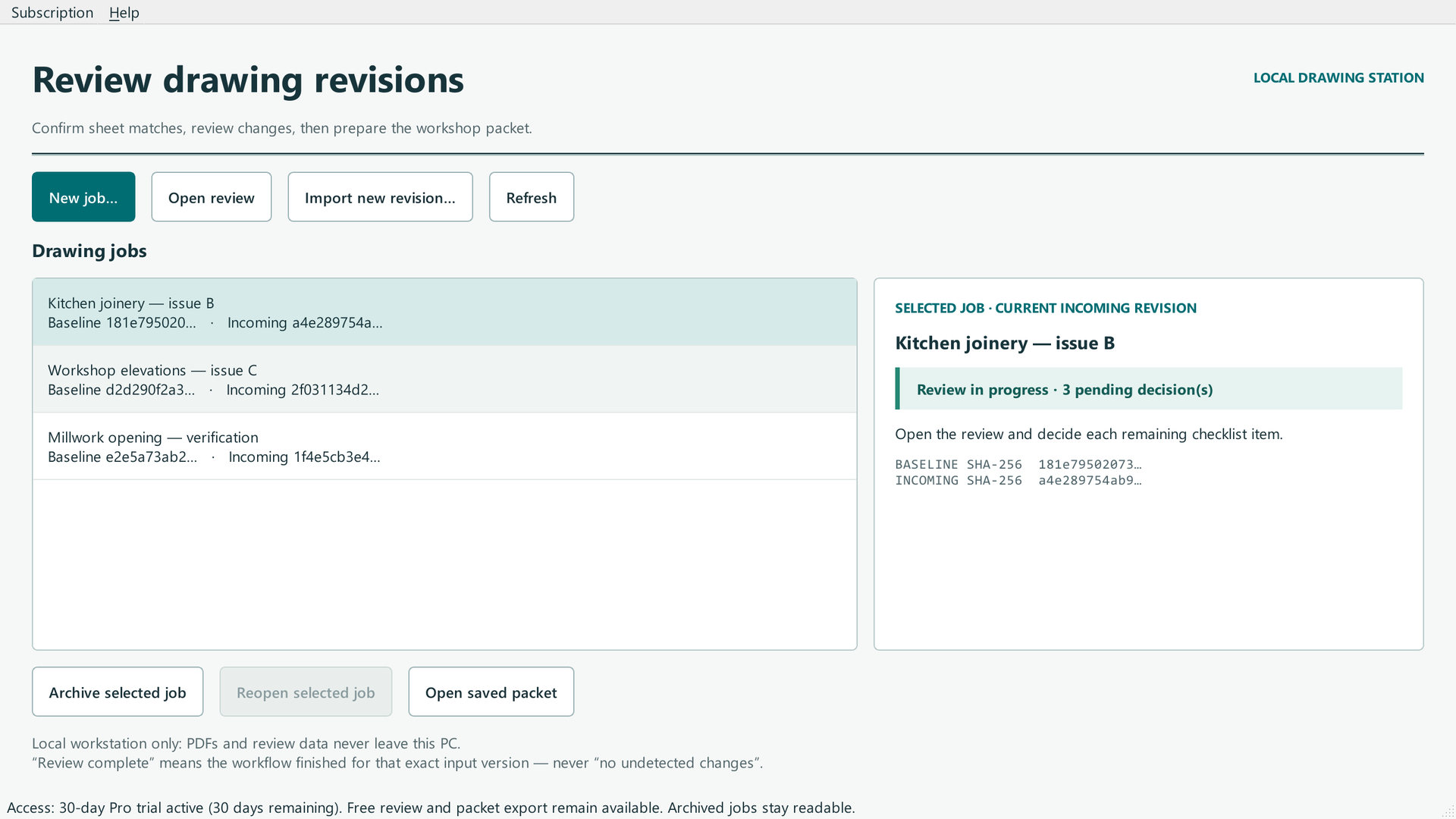 START HERE · COMPLETE WALKTHROUGHHow to use RevLatchFollow the full step-by-step guide with lettered screenshots.Open the illustrated guide →
A local PDF revision-review workflow that proposes page matches and changed regions while a human makes the decisions.
Product details · Microsoft Store listing
What you can do
- Compare baseline and revised PDF drawing sets with suggested sheet matches.
- Review visible changes, mark critical regions, and record significance notes.
- Export a review packet for handoff.
More step-by-step help
Limits and review points
- RevLatch assists review; it does not certify a drawing, replace professional judgment, or guarantee that every change was found.
- Password-protected or scan-only PDFs may need preparation or manual review.
Troubleshooting
A sheet match appears wrong
- Check the baseline and revised file selection.
- Correct the proposed sheet pairing before interpreting any displayed difference.
Alignment is unreliable
- Treat the pair as needing manual review.
- Check the source PDFs and page pairing before deciding whether a change is significant.
Need a person?
Visit Support. Include the product and exact error; remove private details from screenshots. Never send passwords, sign-in codes, full card numbers, or license secrets.