A real game, not a toy board
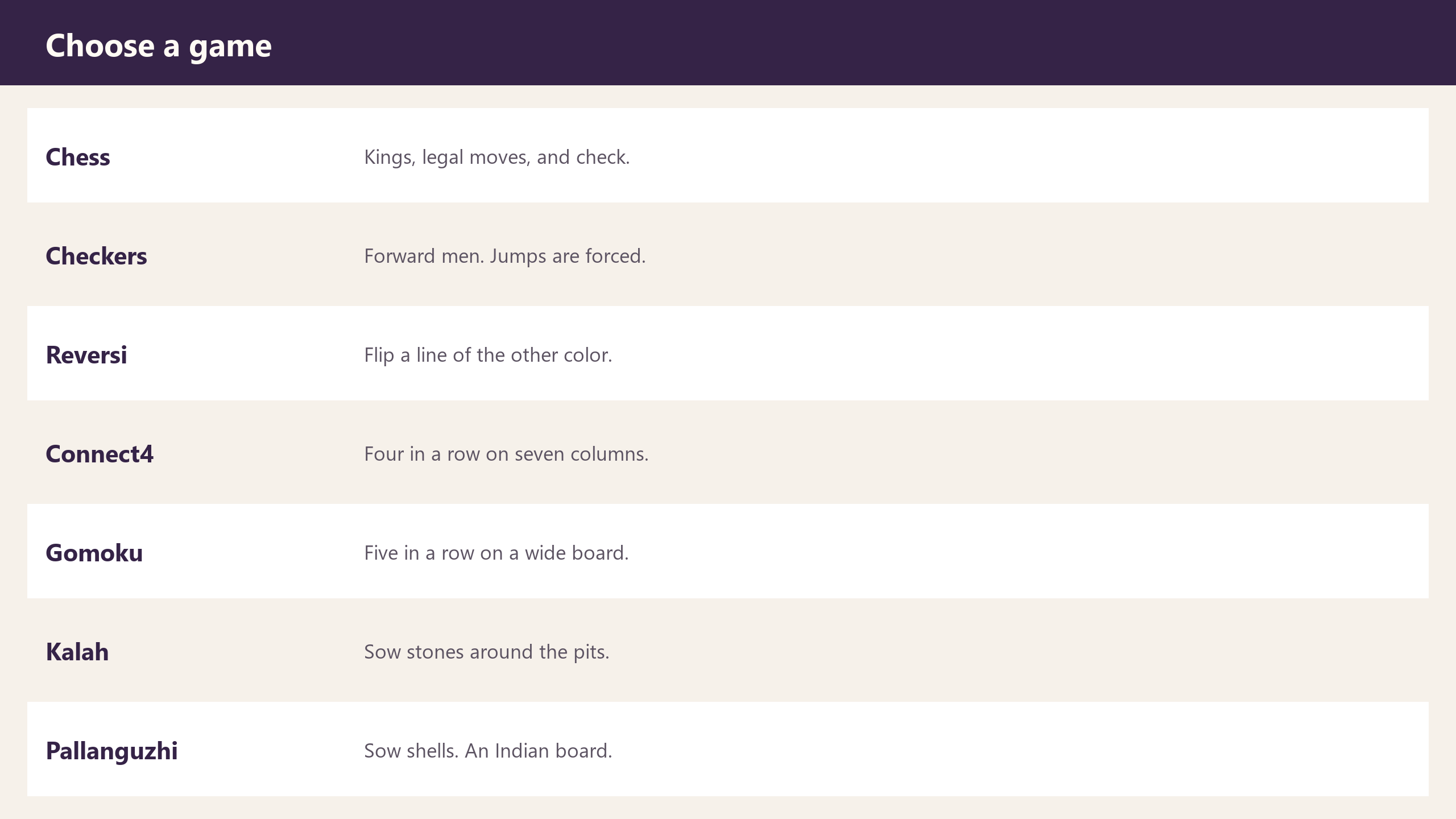
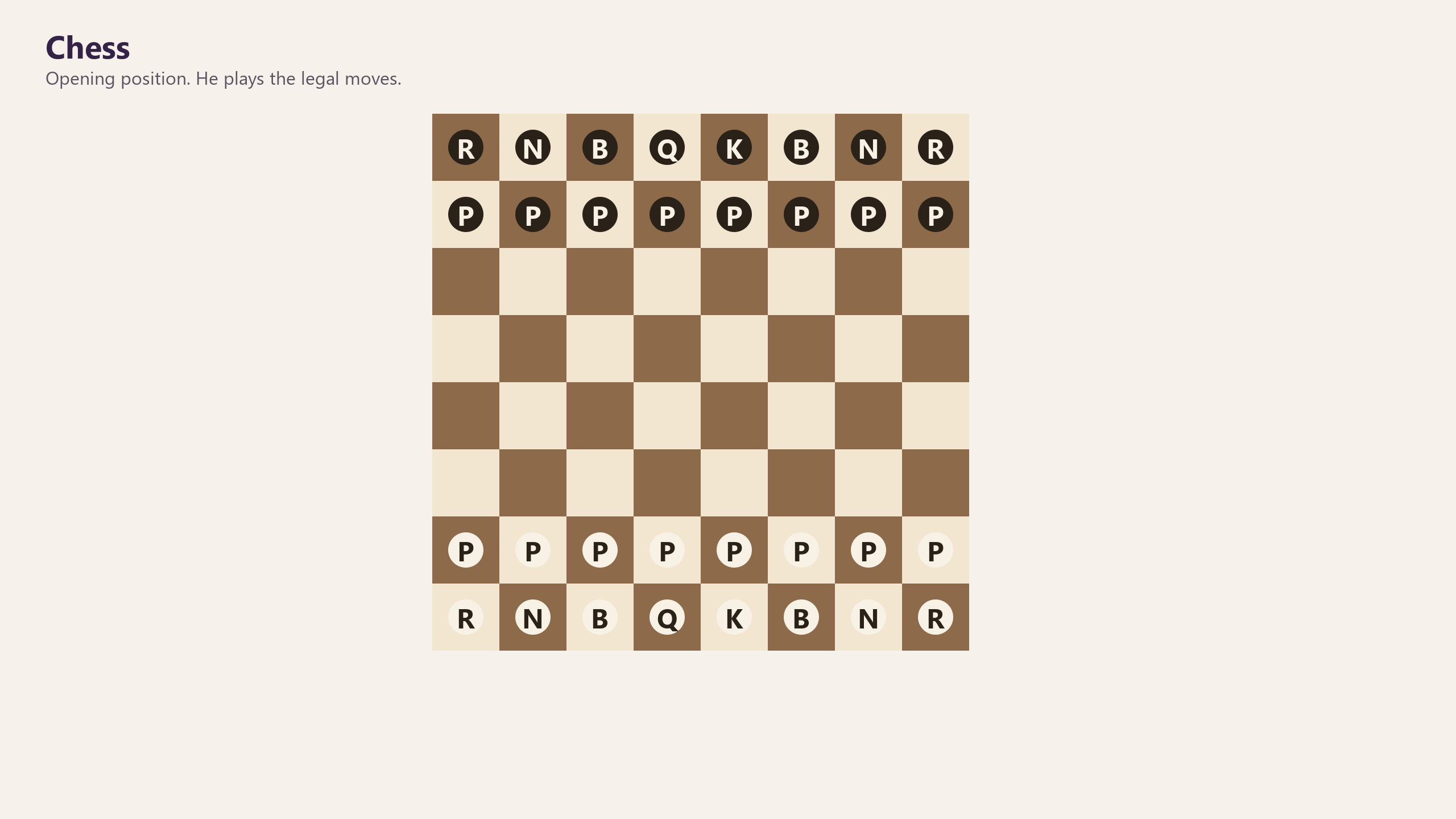
Chess. Checkers. Reversi. Connect four. Gomoku. Kalah. Pallanguzhi. He plays the rules. A closer game earns more sparks, and beating him earns the most.
Wittlet for Windows
Open the illustrated Wittlet guide →
Open the illustrated how-to guide →
Find files, open supported documents in the default app on Windows, review text and supported simple DOCX edits, create notes, draft emails, and work through ideas with a desktop assistant that has a little wit.
Find files by name in a folder you approve. Each file action has its own approval. Edits show the original and a proposed change, and save only after you approve; edited files are backed up. Chat and drafting require a compatible installed local model and may be unavailable. Email is draft-only; nothing is sent.
Wittlet is free to download and play, with no Pro subscription. Optional one-time Spark bundles are separate. Check the Microsoft Store listing for the current download and system requirements.
Product background and previews: read the full Wittlet & Worlds guide.

Search filenames in a folder you approve. Open supported documents in your Windows default app. Each action needs its own approval.
Review text or supported simple DOCX edits; the original stays read-only, and approved edits save with a backup. Preview a new note and approve its save separately.
Prepare an email draft; Wittlet does not send it. Chat and drafting need a compatible installed local model and may be unavailable.
ACTUAL APP PREVIEW
Work through ideas with chat when a compatible local model is installed; chat and drafting may be unavailable without one. File actions are separate and require their own approvals. Review supported text or simple DOCX edits before saving; approved edits include a backup.
OPTIONAL PREVIEW GALLERY


OPTIONAL FEATURE PREVIEWS
Chess. Checkers. Reversi. Connect four. Gomoku. Kalah. Pallanguzhi. He plays the rules. A closer game earns more sparks, and beating him earns the most.
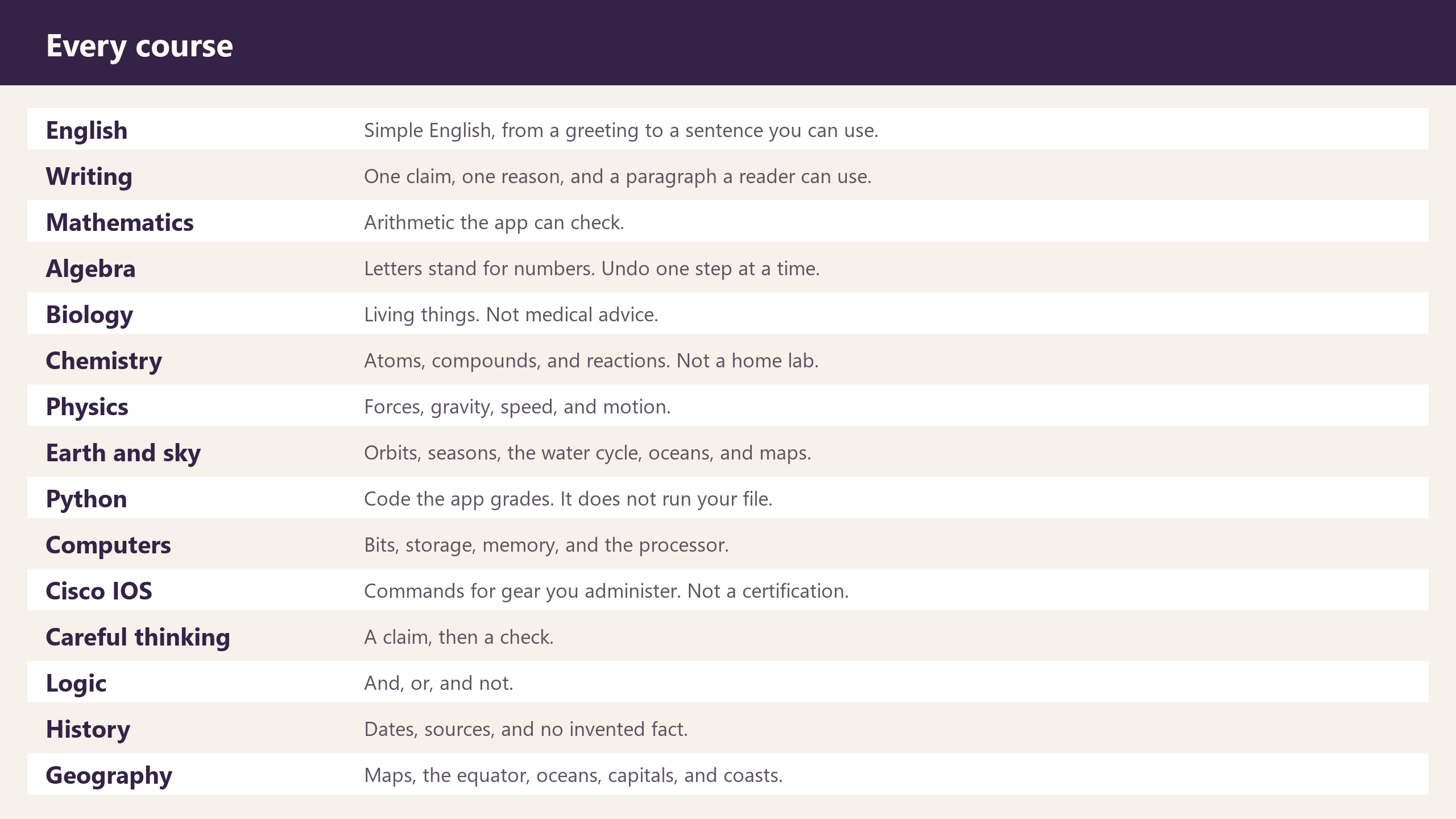
A placement quiz skips what you already know. Misses become gaps you close before the next lesson.
These optional previews may not be included in the current release. Check the Microsoft Store listing for included features and terms.
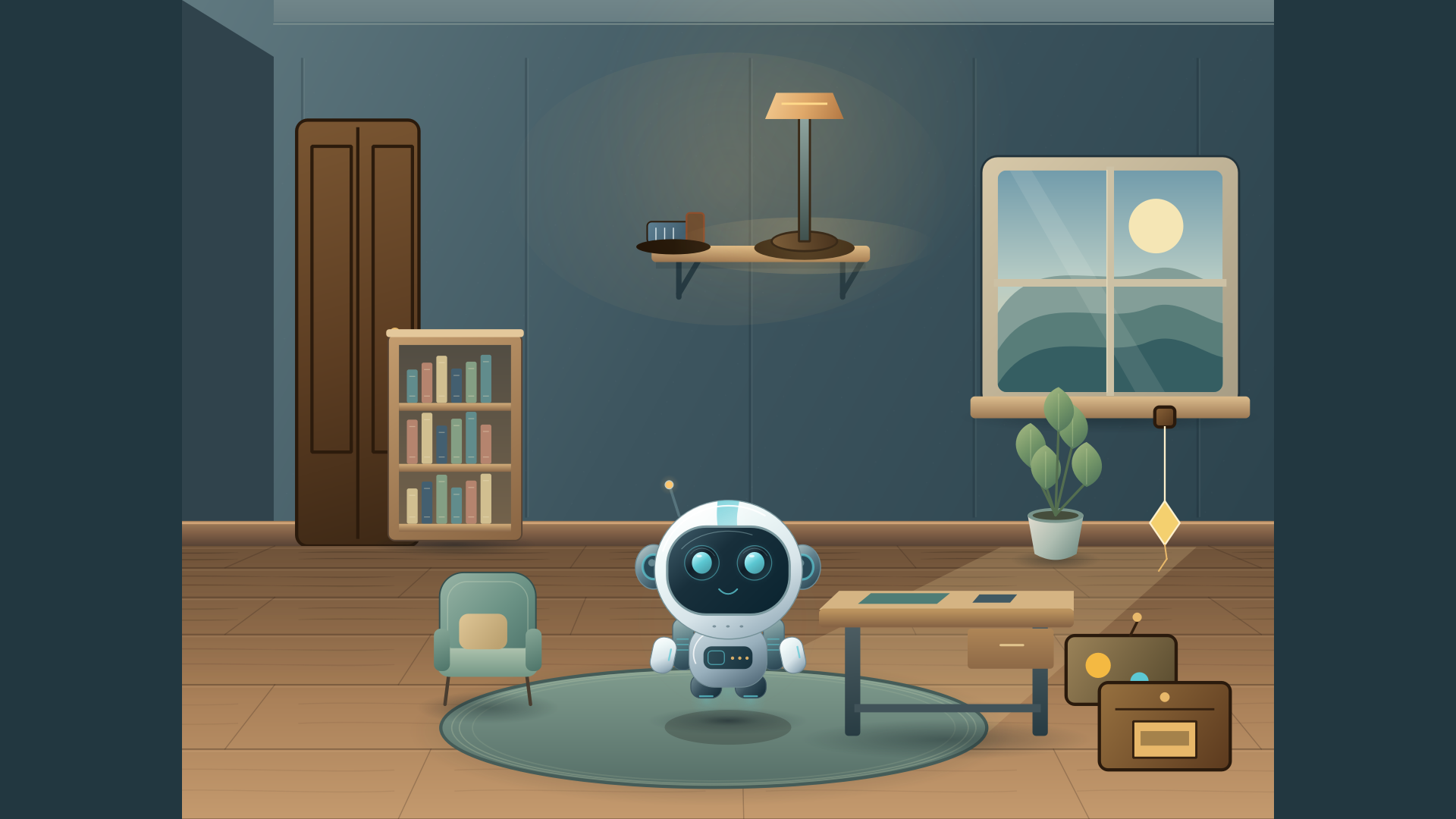
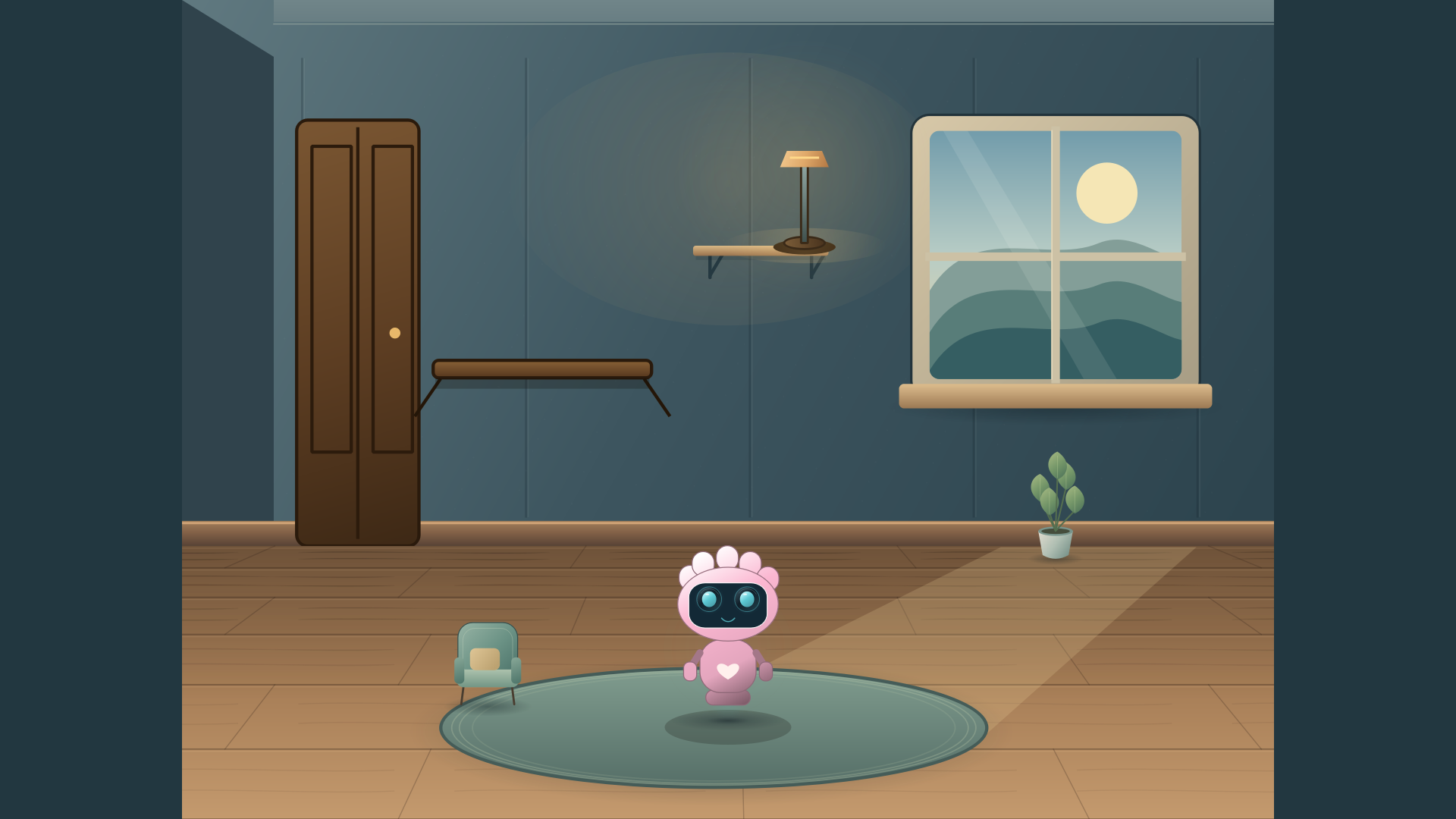
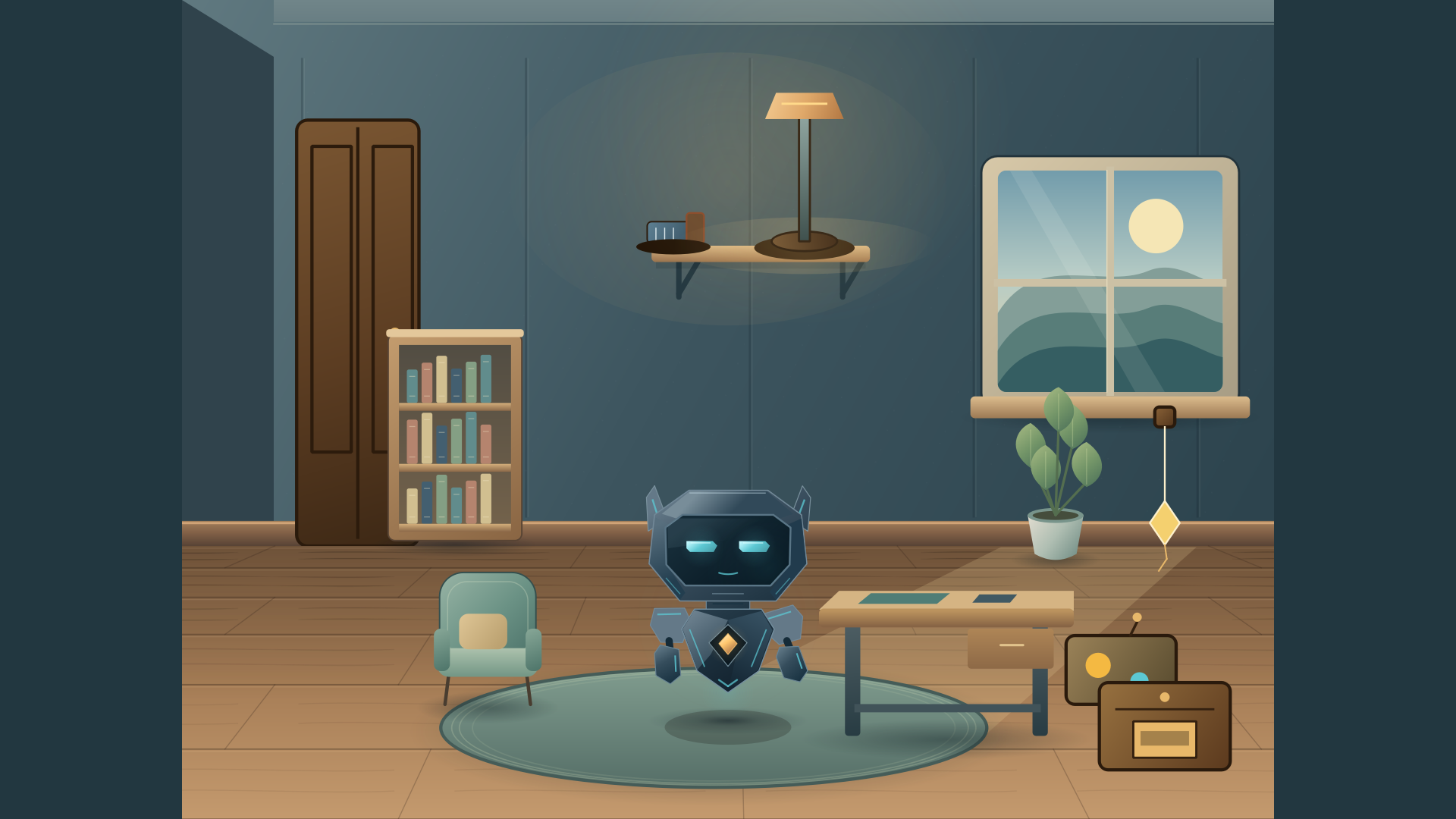
MAKE IT YOURS
Orbit · GlacierA different look for every kind of desktop companion.
Preview custom eye and shell colors; check the current Store build for available choices.
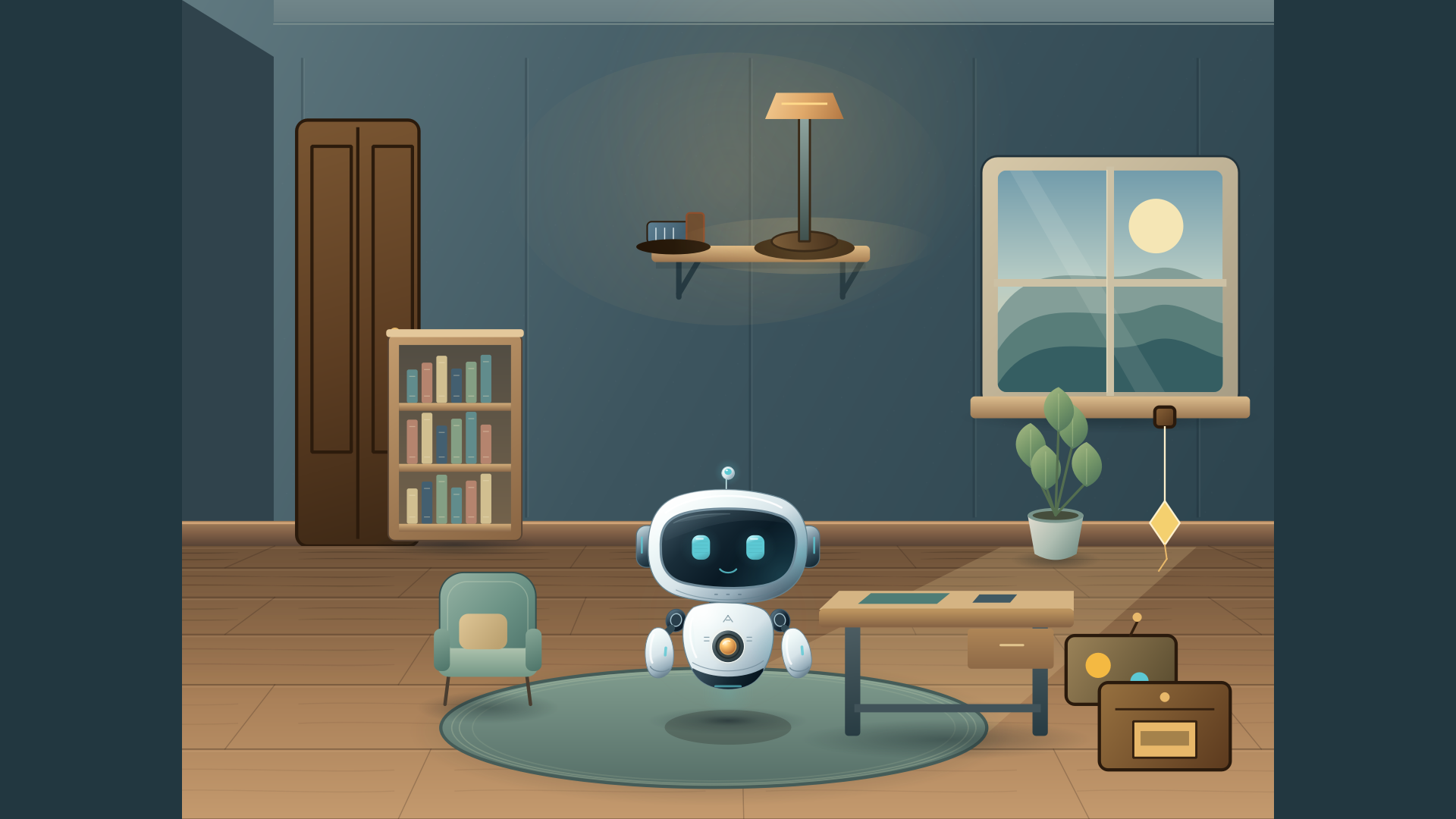
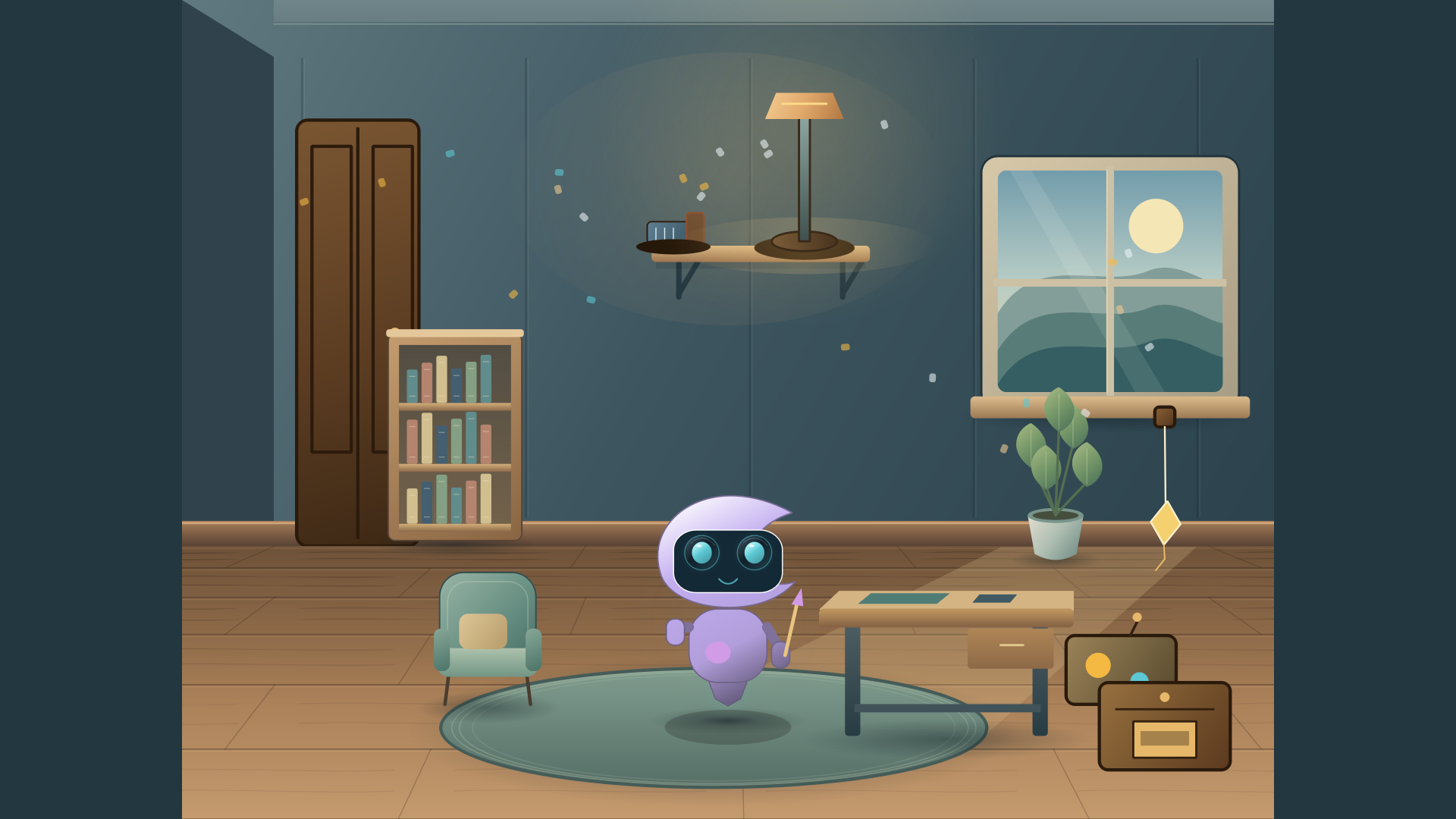
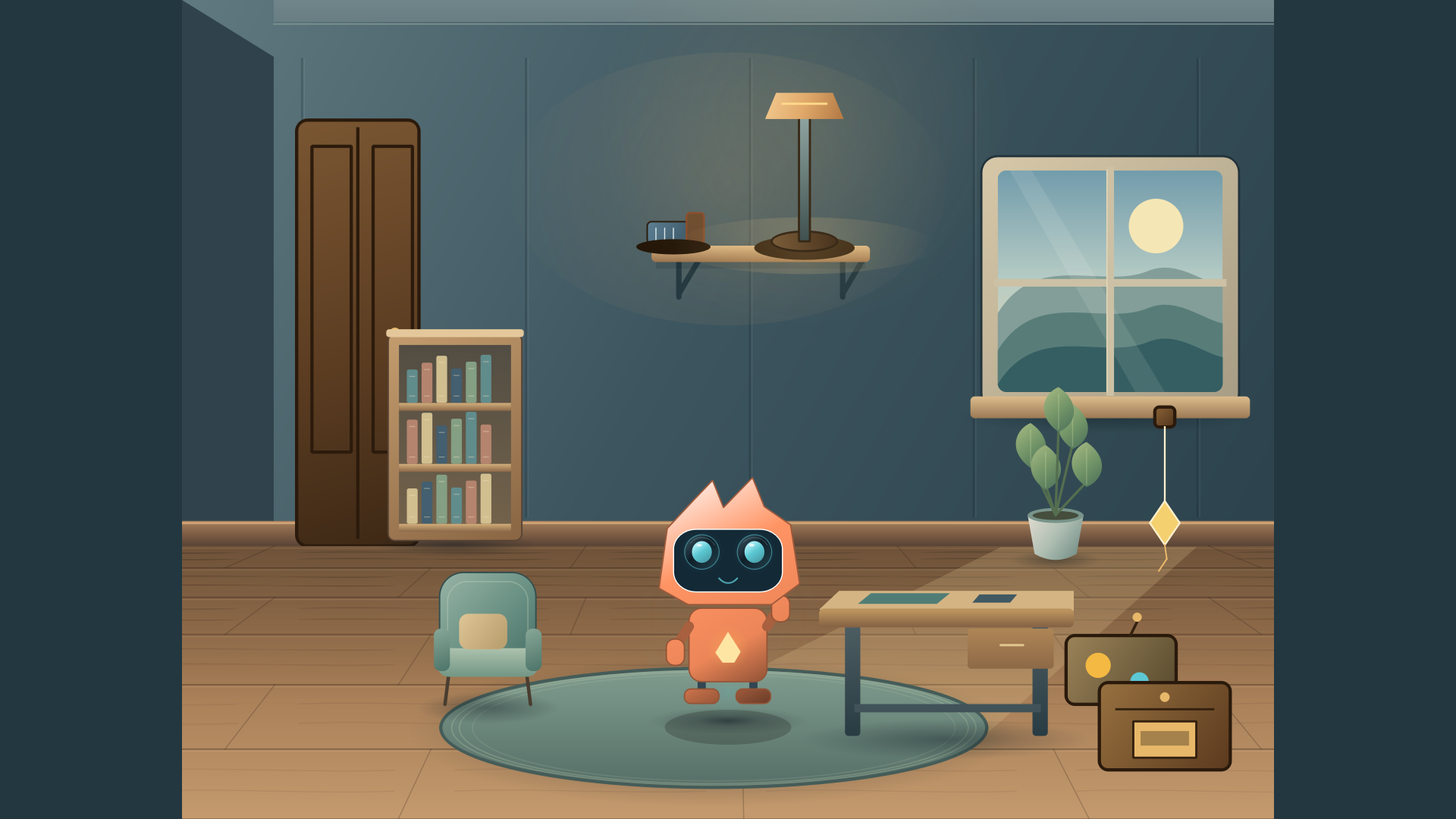
OPTIONAL ROOM ADD-ON PREVIEW
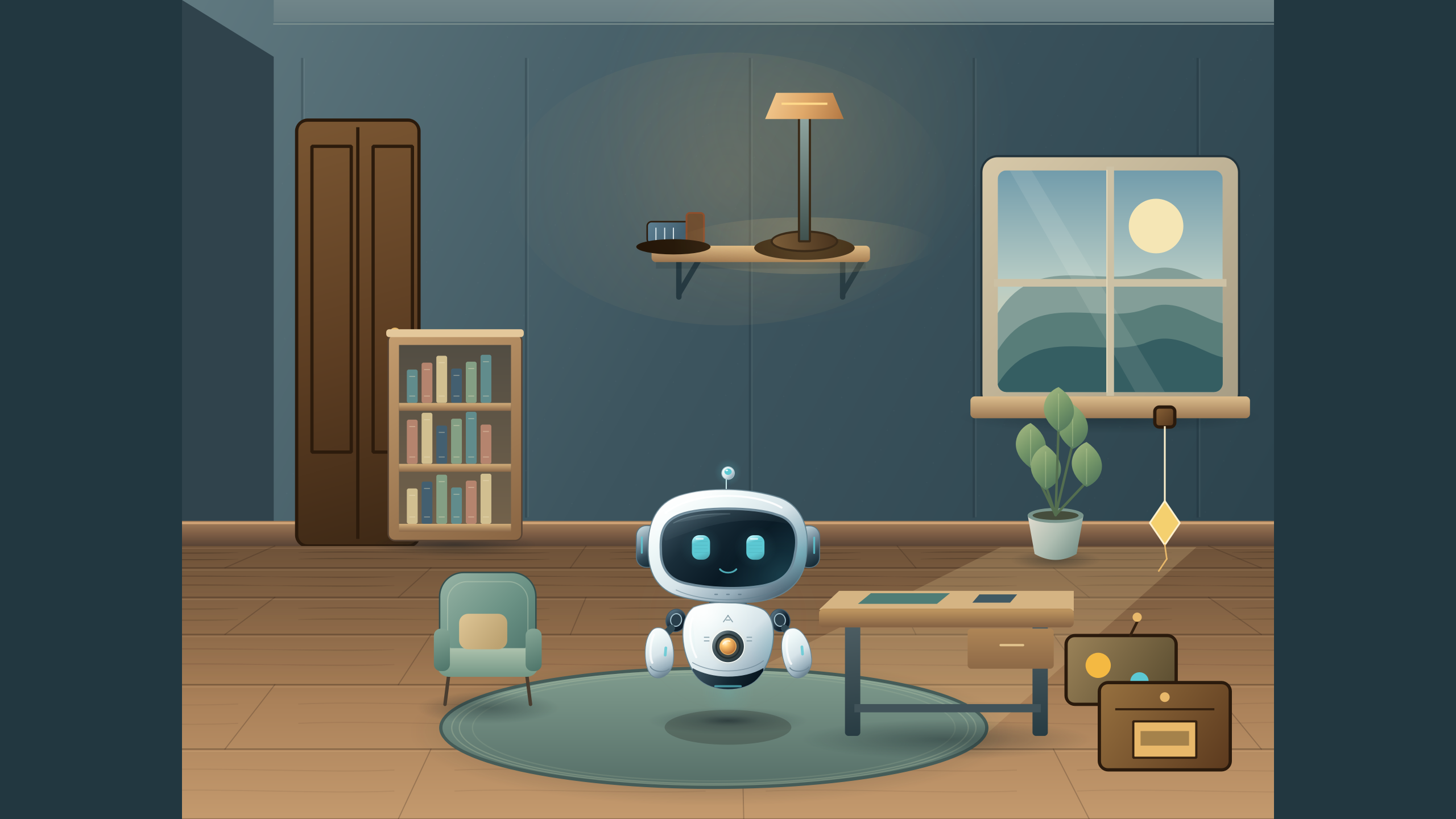
This optional preview shows the intended companion room. The room, games, lessons, and Spark features may not be included in the current release; check the Microsoft Store listing for availability and terms.
Characters and colors shown here are previews; the current release may differ.
File actions use scoped approvals. You choose the action and target, and review changes before saving.
Yes. Wittlet can stay out of the way while you use your Windows desktop.
Check the Microsoft Store listing for current availability and included features, or ask support@jehorizon.com.
Check the Microsoft Store listing for current Windows requirements and pricing.