Product guide · Updated September 28, 2026
ScopeStamp
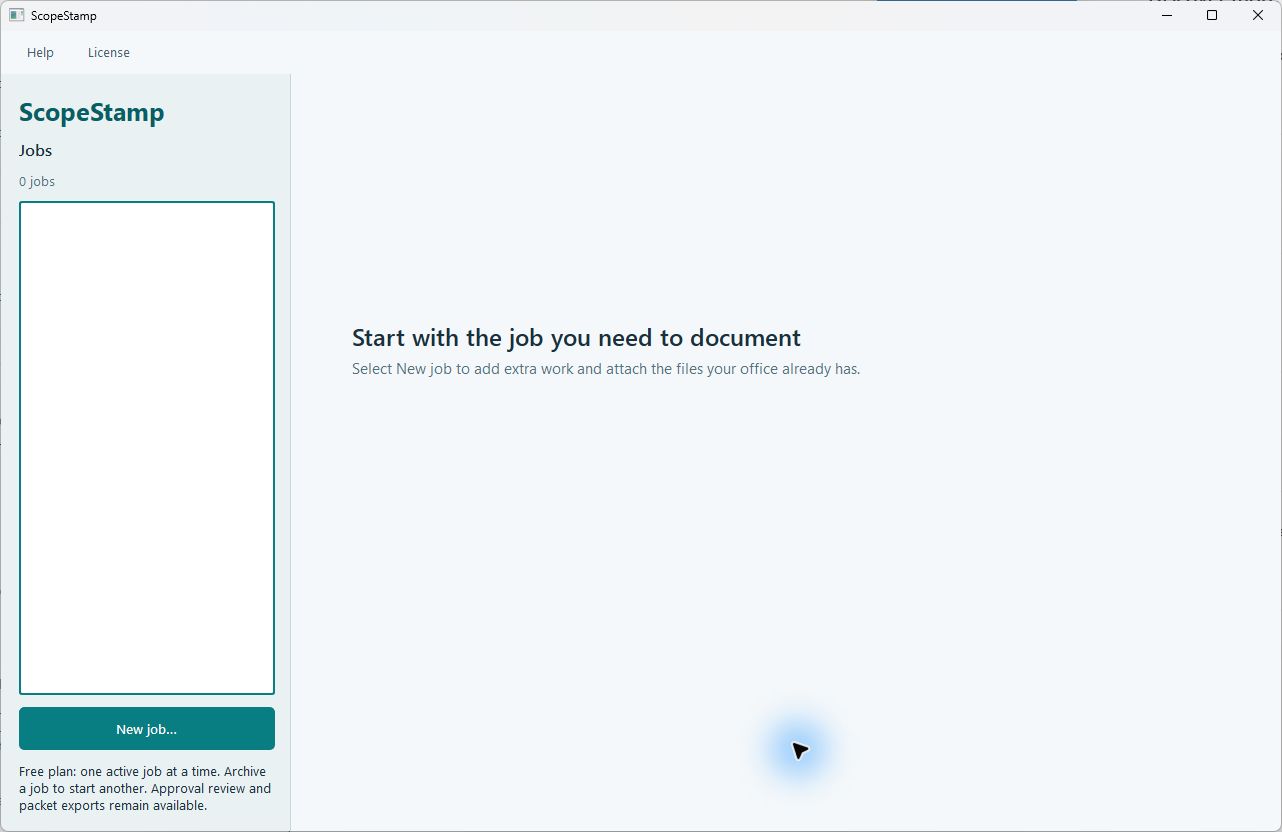 START HERE · COMPLETE WALKTHROUGHHow to use ScopeStampFollow the full step-by-step guide with lettered screenshots.Open the illustrated guide →
A local change-order evidence packet for tracking extra work, exact amounts, and operator-reviewed approval records.
Product details · Microsoft Store listing
What you can do
- Build a change-order record with labor, material, and other line items.
- Attach local photos, PDFs, and exported customer messages to relevant items.
- Export a numbered PDF packet with supporting records.
More step-by-step help
Limits and review points
- A photo or employee note is not customer approval by itself.
- ScopeStamp does not obtain approval, provide e-signatures, collect payment, or send invoices on its own.
Troubleshooting
Approval evidence is unclear
- Inspect the original customer-authored message or document outside any summary.
- Keep the packet in draft or revise it until the evidence and scope are clear.
Verification is blocked
- Check each line item for missing or nonqualifying customer approval evidence.
- Keep the record in draft until the evidence and operator review are complete.
Export reports integrity problems
- Keep the exported files, but do not treat a manifest marked PROBLEMS as verified.
- Review the listed status and ask support in your current channel before relying on the handoff packet.
Need a person?
Visit Support. Include the product and exact error; remove private details from screenshots. Never send passwords, sign-in codes, full card numbers, or license secrets.